Listen first
Capture audio, transcribe speech, then translate. Powerful, but slow and expensive for long episodes.
 PrismaSub
Download
PrismaSub
Download
Real-time subtitle translation
Found a drama you love, but can't read hardcoded subtitles?
Fan translation stopped just a few episodes before the finale?
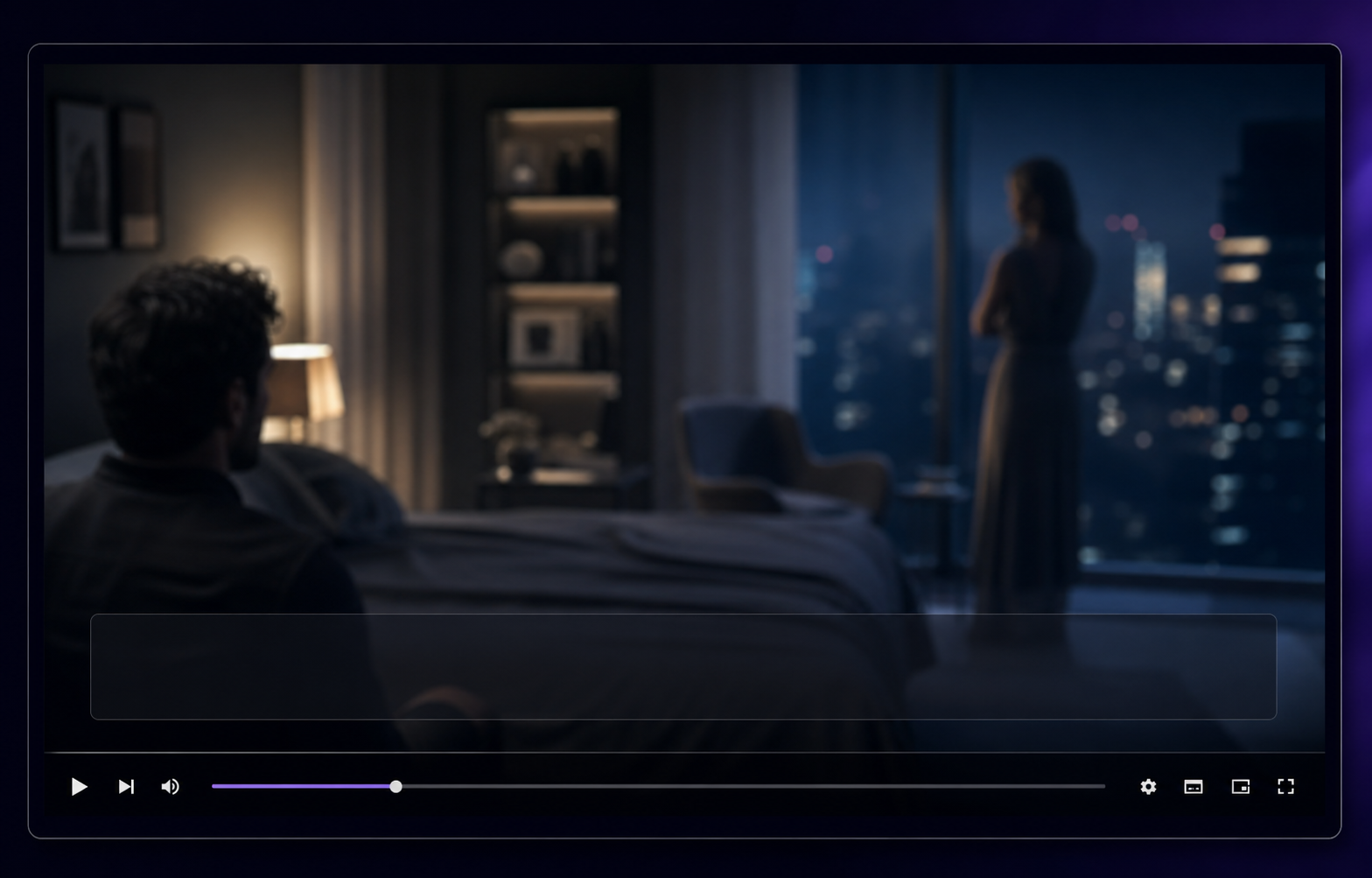
Place PrismaSub over any visible subtitle for instant, accurate translation.
If the subtitles are on screen, PrismaSub keeps the story going.
PrismaSub is currently in beta on Windows.
I thought you had already left.
我以为你已经走了。
A Faster shortcut
Live audio translation has to listen, transcribe, and translate in sequence.
Transcription is the most demanding step, adding delay before translation even begins.
PrismaSub works with subtitles already on screen, delivering context-aware translation at the pace of movies and shows.
Capture audio, transcribe speech, then translate. Powerful, but slow and expensive for long episodes.
Work well when you have an SRT, ASS, or VTT file. Less useful for hardcoded subtitles and streaming.
Focus on the subtitle area, translate only new lines, and keep watching without touching the video.
How it works

Sign in with Google and claim 600 complimentary Dialogue Credits, ready for your first watch.

Position PrismaSub over the original subtitles, choose your languages, and turn on translation.

Hide the controls and keep watching. New subtitle lines are translated as the story unfolds.
Binge with ease
1 Dialogue Credit ≈ 1 translated subtitle line. Silence, music, and action scenes cost nothing when
no new subtitle is processed. Credit packs are available inside the PrismaSub app.
Dialogue-heavy videos, such as conversational YouTube content, use credits more quickly. PrismaSub is
currently in beta while we refine our watch-time estimates. If aggregate beta usage shows a consistent
trend of shorter watch times than estimated, we will add credits to affected accounts.
Included
About 2 hours
Added to your account when you register.
$6.99
About 25–28 hours
Binge pack, available inside PrismaSub.
$11.99
About 50–56 hours
Mega pack, available inside PrismaSub.
Streaming sites, local players, hardcoded subtitles, lectures, anime, dramas, and clips.
Subtitle recognition happens locally. Audio, video, and screenshots are never uploaded.
Cloud translation handles difficult dialogue, slang, names, and meaning across consecutive lines.
No new subtitle line means no cloud translation job. Action scenes and silent shots stay quiet.
Keep the original line under the translation so learners can follow meaning without losing phrasing.
Privacy by design
Smart Subtitle Capture reads each line on your device, then sends only the recognized text for translation. PrismaSub never needs your audio, video, or screenshots.
During beta, PrismaSub may measure active translation time and credits used to improve watch-time estimates and provide credit adjustments. The timer does not collect media titles, channels, or website addresses.
Read the full Privacy PolicyPrismaSub reads visible subtitles inside the selected area without uploading your screen.
Recognized subtitle text is sent for translation, while your audio, video, and screenshots stay on your device.
PrismaSub
For videos with subtitles already on screen.
Currently in beta on Windows. macOS follows.
macOS is in development
Give the Mac build a nudge. Every click helps us understand demand, prioritize development, and adds a little extra motivation to get it into your hands.
Checking the nudge count...
Contact
We would love to hear from you. Email us at
support@prismasub.com